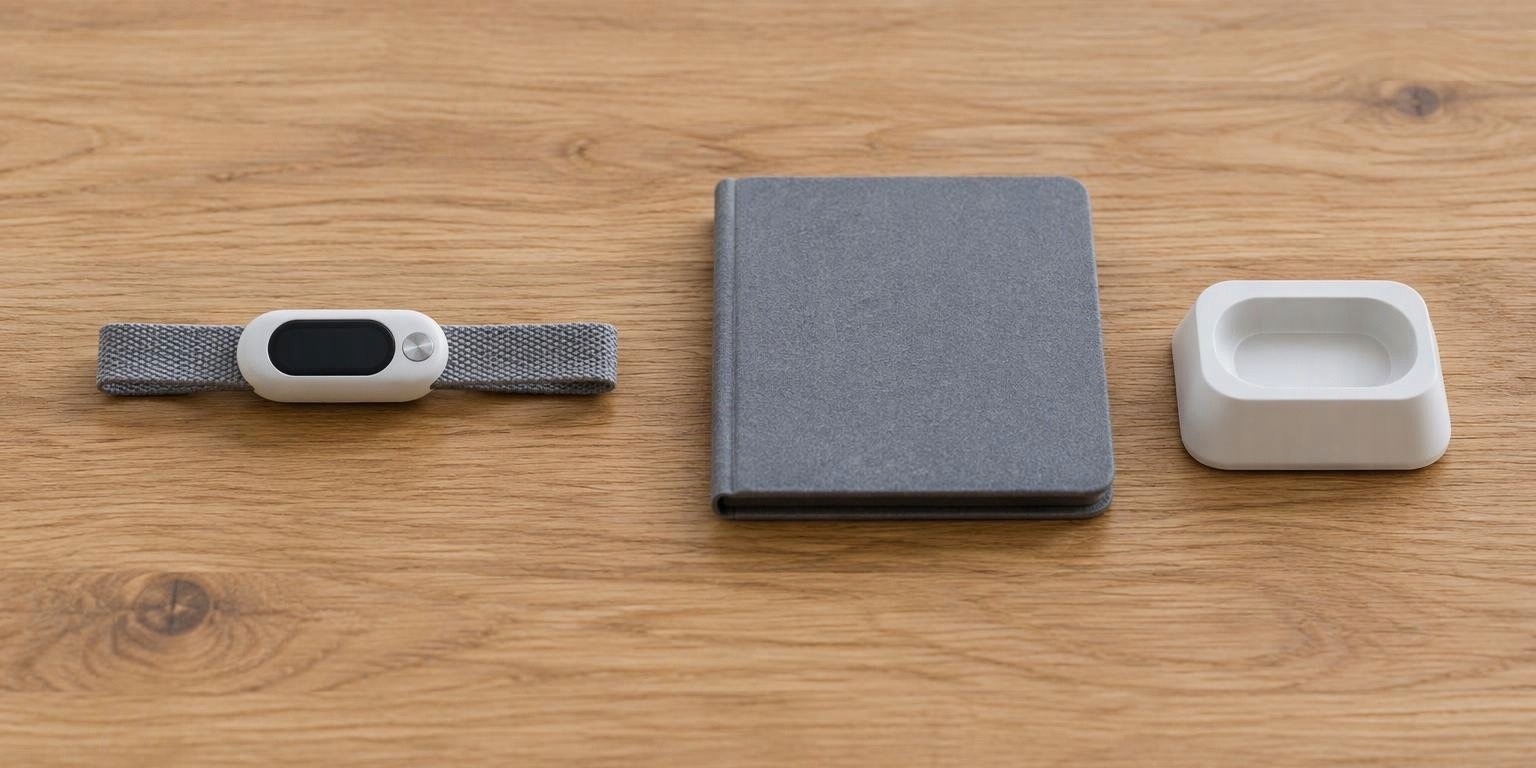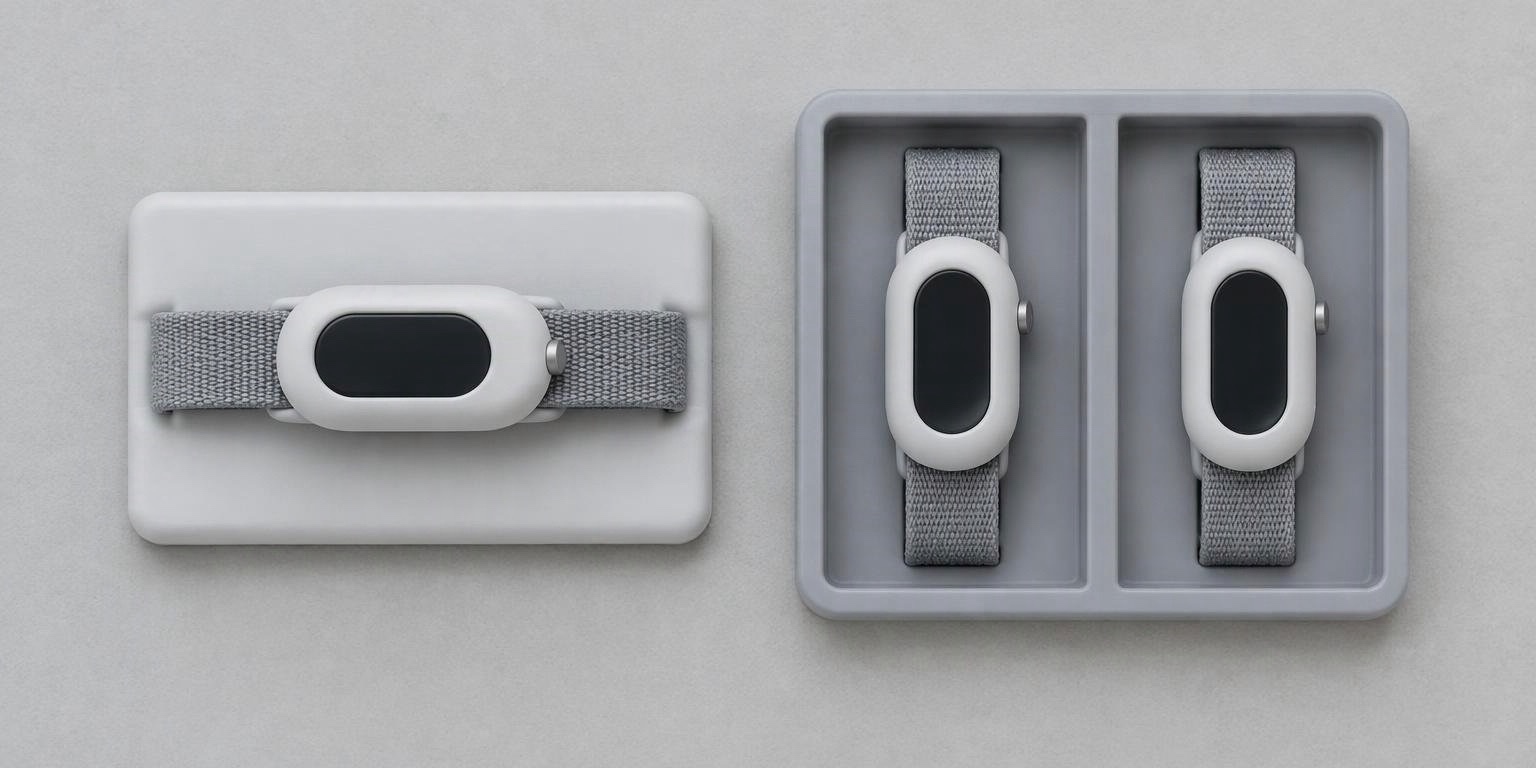
If NexPCB finalized and delivered the manufacturing documentation through Production Delivery (NPI), that documentation belongs to you. The documentation covers design files, the bill of materials (BOM), test specifications, process controls, and quality standards. We structure it so another facility can use it. Before you change manufacturers, check two things: whether you have the rights and access to share the documents, and whether the receiving team can use them to build and inspect the same approved product revision.
Manufacturing documentation ownership
If you’re reviewing an existing agreement, start with its list of deliverables. A login to the current manufacturer’s document portal lets you view the records, but it doesn’t tell you which ones you can export, retain, or share with a replacement. Confirm what your agreement covers, which formats the manufacturer will release, and how you can obtain the latest approved documents before you lose access to the portal. Our guide to wearable contract manufacturing scope explains how to name the work and deliverables in the agreement.
Separate the documentation for your product from the site’s own systems and any third-party materials it uses. If an assembly instruction points to a screen in the current factory’s system, for example, ask whether the instructions and parameters needed to run that operation are part of your deliverables. If another manufacturer can’t access the system, decide how it will get those instructions in a usable format. The decision is easier to make while both teams can open the records and see what the reference means.
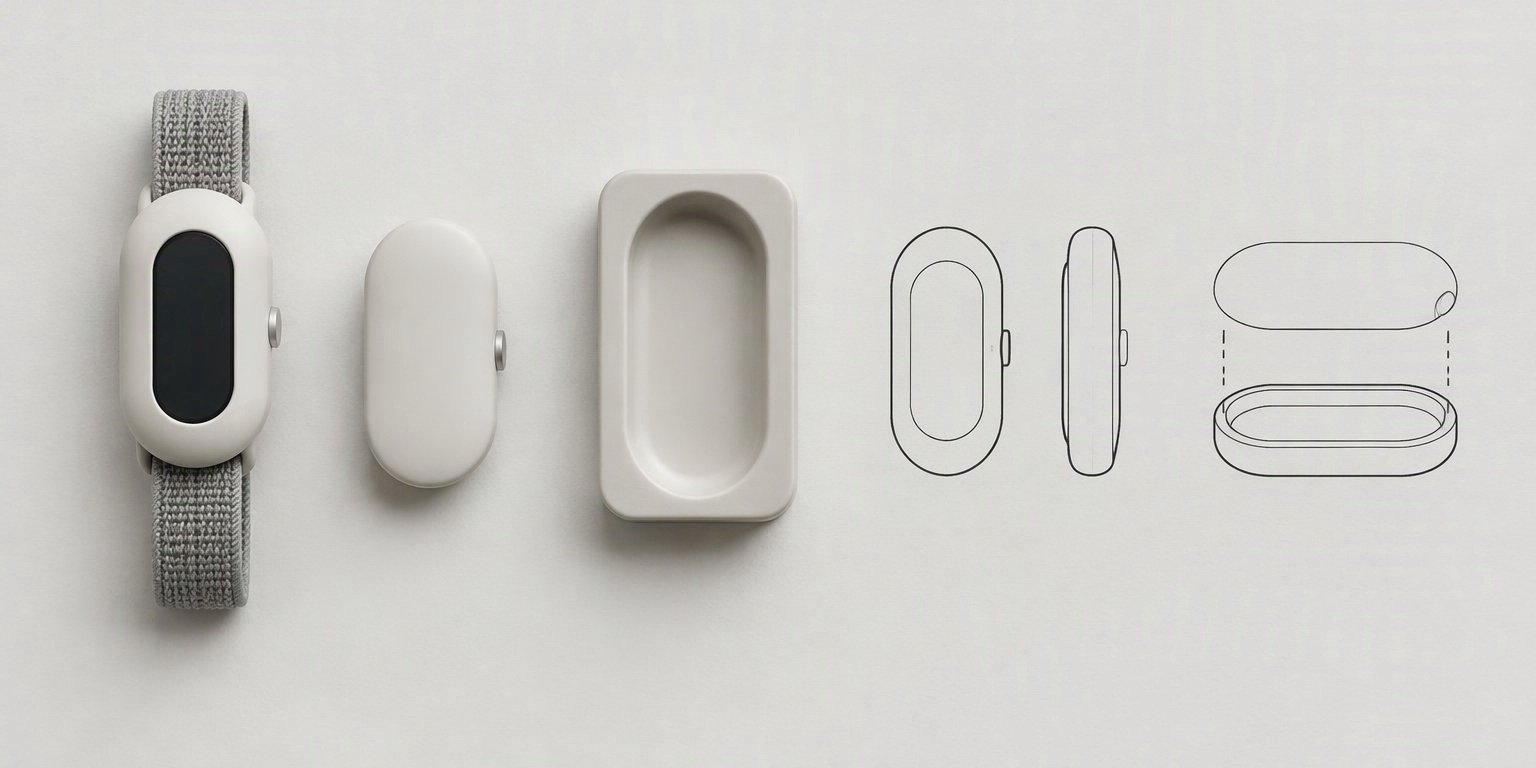
What travels with the approved build
Start with the product configuration you actually intend to move. If the current line builds more than one variant, identify the one the receiving site should quote and build. Then use the five documentation groups to check what the new team can do with the release:
- Design files define what to make. Check that the dimensions, layout, and manufacturing outputs describe the same build. Where a change is approved but hasn’t taken effect, distinguish it from the revision you intend to move.
- Bill of materials identifies what goes into that build. Make sure the part numbers, quantities, and any approved alternatives are clear enough to source the intended configuration.
- Test specifications tell the receiving team what to measure, under what conditions, and how to judge the result. A test report says what happened on an earlier build; it does not replace the instructions for running the test.
- Process controls identify the operations and conditions that affect the result. If a setting is held in a local machine program or tied to a particular fixture, make that dependency visible so the new team can decide how to reproduce the required operation.
- Quality standards tell inspectors what counts as acceptable. Give them the applicable limits or visual criteria, and identify any separate acceptance criteria that apply to the incoming build.
The documents don’t need identical revision numbers. They need references that show which drawing, BOM, process instruction, and test specification were approved to work together. If two records disagree, resolve the discrepancy before treating the set as ready to transfer.
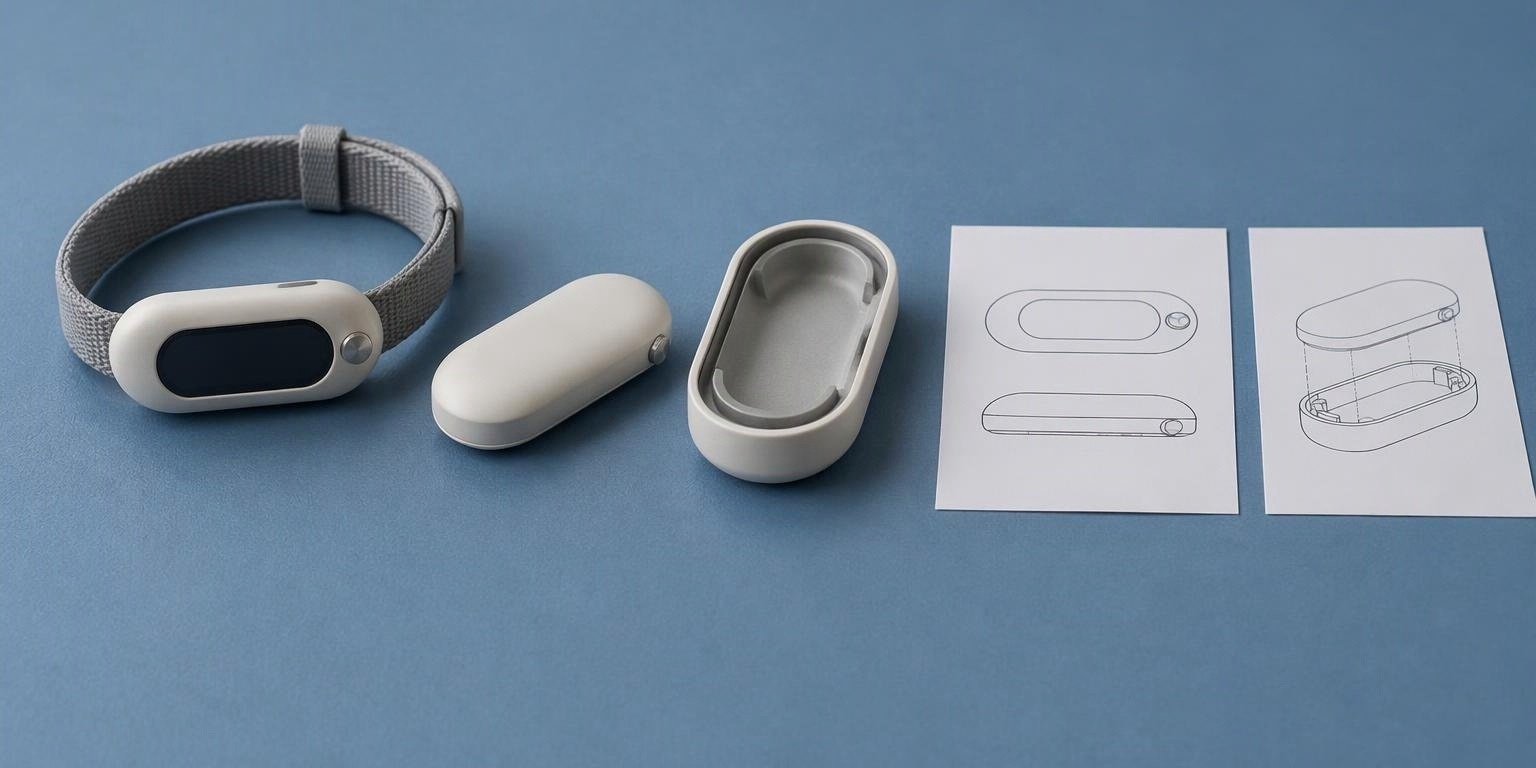
How can you tell whether another manufacturer can use the documentation?
If you are organizing the transfer, the hardware NPI process guide shows where the package enters and leaves the process. The NPI supplier handoff package guide focuses on what the receiving team needs in the package. For the transfer itself, check your right to share the approved documentation and verify that the new site can execute it.
Ask the receiving team to open the documents in the format it would use on the line. Have it pick an operation that affects product acceptance and walk through it from the approved design to the inspection record. The team should be able to identify the relevant part and revision, explain how it will carry out the operation, and point to the criterion it will use to accept or reject the result.
For example, if an enclosure inspection on a wearable depends on a particular setup, ask where the new team would find the setup instructions and the applicable limit. If the instructions simply say to load the current factory’s program, record the missing information rather than assuming an export of the drawing has solved the problem. Agree who will supply the needed parameters or develop a replacement method, and how the receiving site will show that its method can apply the same acceptance criterion.
Write down which items the team could use as delivered and which need conversion, clarification, or work on the new line. Keep the release references with that list. The aim is to know what still stands between the approved documents and an acceptable first build, not just whether the incoming team received the archive.
Frequently asked questions
Is a BOM enough to move production?
No. The BOM lets the new team identify and source the parts for the approved configuration. The design files, process controls, test specifications, and quality standards tell it what to build with those parts, how to check the work, and what to accept.
Does portable documentation mean the receiving site is already qualified?
No. A portable package gives the receiving site a usable starting point. If the equipment, fixture, or process differs, agree on how to demonstrate that the incoming build meets the applicable requirements. A result from the outgoing line describes that line’s build and setup.
When should I review what transfers?
Review the deliverables before you approve an agreement and check the current package again before giving up access to the outgoing manufacturer’s systems. Ask for the approved configuration and a usable export, then have the receiving team list the operations or inspections it still needs help to perform.
If you’re planning to move a wearable product, bring the revision you intend to transfer, the list of records you already have, and the operations the new site needs to reproduce. Start at Accelerate Now; we can discuss the handoff and arrange an NDA before you share detailed design documents.