On one multi-channel acquisition build, no sensor keeps the time by itself. Wearable sensor integration at NexPCB lined that build's channels up on one shared ADC clock and a hardware SYNC pin. That architecture belongs to that build and to the channels it covered. It is not the only way a wearable keeps sample time. A reading that has not been aligned to the clock that build used cannot sit beside another reading from that build.
What the wearable sensor list is judged against
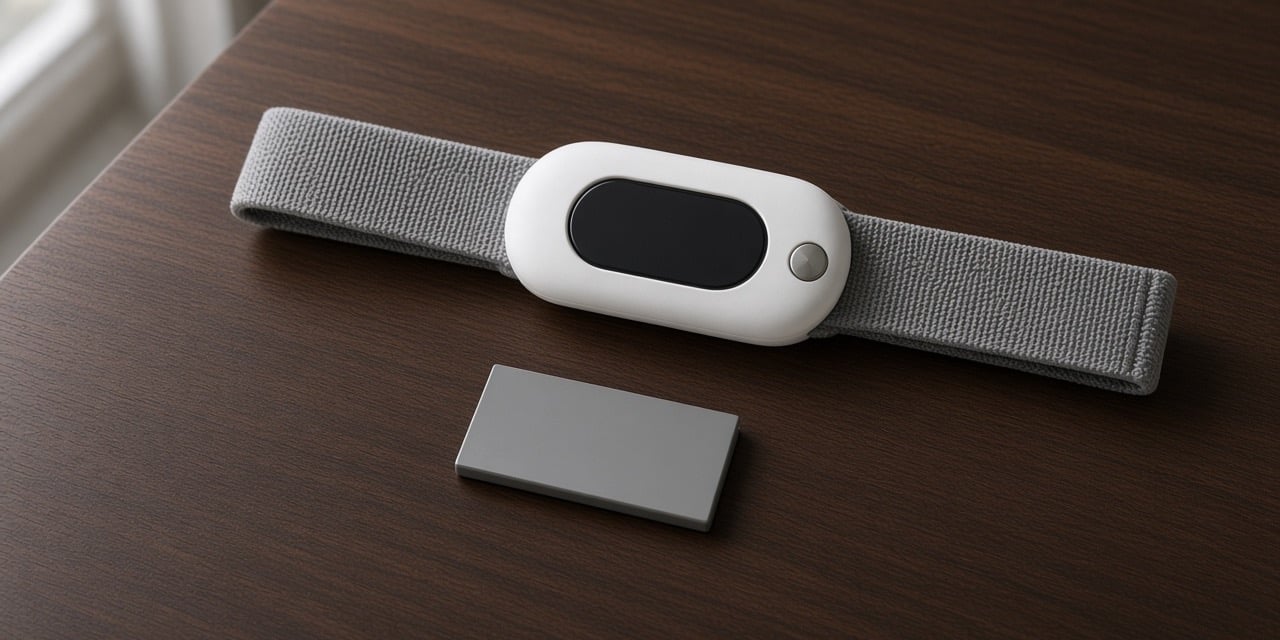
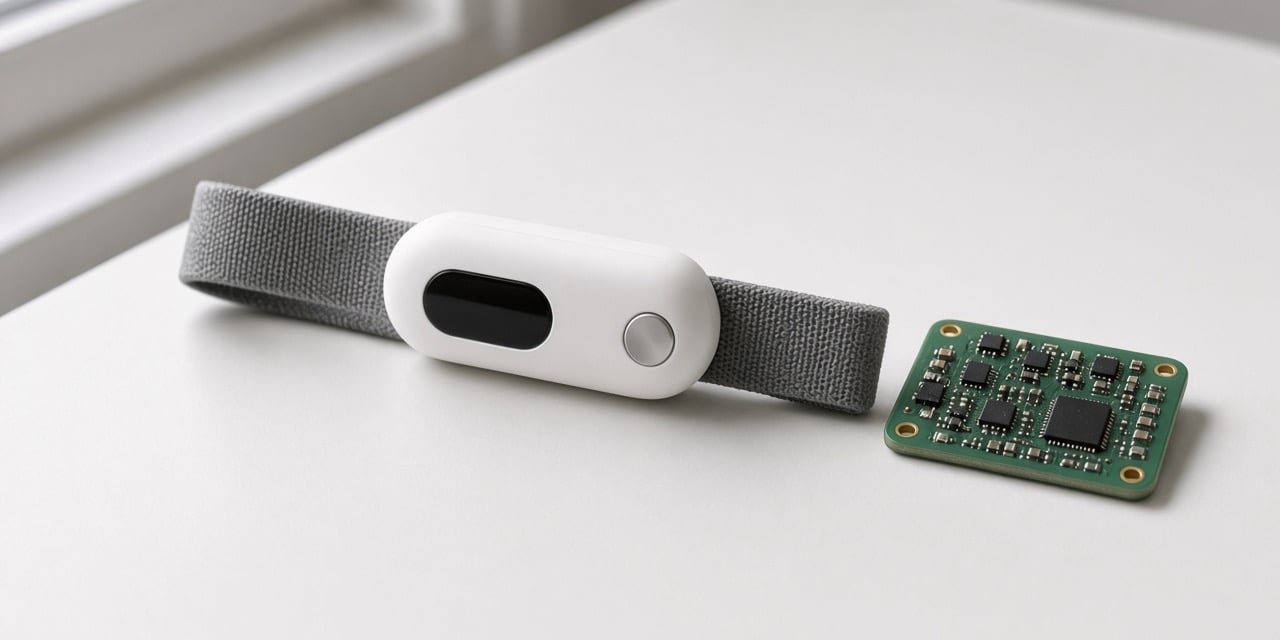
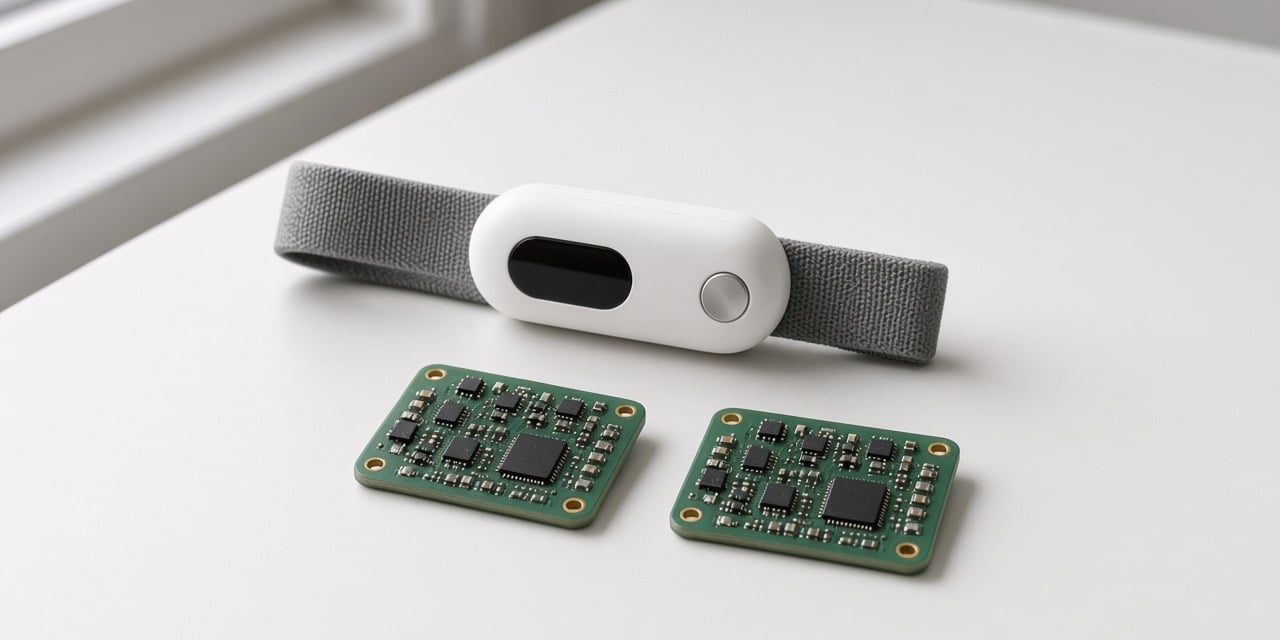
The tracker and the board in the photograph are one concept device, the same one used in the other frames of this page. They are not the smartwatch parts laid out for the bill below.
A smartwatch bill of materials carried a three-axis accelerometer, a BLE controller, a power-management chip, SPI flash, and a PPG optical sensor. A health-watch build used a pulse-oximetry and heart-rate front end. Production test judges those functions one by one.
| Check | Pass on that board | What a fail does |
|---|---|---|
| Cell voltage | The voltage sits in the written window | The board stops |
| Accelerometer | The part answers the test | The board stops |
| Flash | The memory test passes | The board stops |
| PPG | The optical reading sits in the written window | A low reading fails the board |
A skin-temperature fail fails that board in the same way. The accelerometer and the PPG are the sensors on that list. The BLE controller, the power-management chip, and the SPI flash sit on the same bill, and they are not part of the sensor-time check. Another build names its own sensors.
What keeps time in the integration
The two boards in the photograph are two views of that same concept board, set apart on the table. They are not connected. They do not show the shared clock or the SYNC pin.
On that acquisition program, the channels that were chained used the same ADC clock, and the SYNC pin lined the sample moments up. The target written for that program was on the order of a hundred channels at 4 kHz. That figure is the target. It is not a channel count measured on a finished run. The production log and the bring-up log stamp each line in microseconds. A microsecond stamp is the unit of the log. It is not a measured synchronization error.
A later batch can be compared only when the sample rate stays put, along with the board, the firmware, the supply, the range, the filter, and the temperature. Those are the controls. A reading taken under a different one of them is a different setup.
What calibrated means on that board
Calibration is the alignment of a sensor output to a known standard. Functional test and calibration are tied together on the program whose test erases them. The calibration that counts on that program is the one finished after the current functional test.
On the program whose functional test erases, reflashes, or invalidates the calibration, redoing that test clears the calibration data, so the calibration is run again after that test. An earlier calibration does not survive that test. A functional test that leaves the calibration in place does not clear it.
Frequently asked questions
Which sensor is the time master?
On the multi-channel build, none of them. The shared ADC clock and the SYNC pin kept the sample time for the channels that build chained. A sensor timestamp is useful on that build only after it has been aligned to that clock. Another wearable can keep time a different way.
Does an older calibration still count after a new functional test?
On the program whose functional test erases, reflashes, or invalidates the calibration, the new test clears it. Calibration is done again after that test, and that later calibration is the one that counts. A test that leaves the calibration in place does not clear it.
What to bring for sensor integration
Bring the sensor list, the part that answers each test, and the clock the channels share. If the build uses a SYNC pin, bring the pin and the sample rate. Name the window a PPG or a temperature reading has to sit in. Start at our project inquiry form.