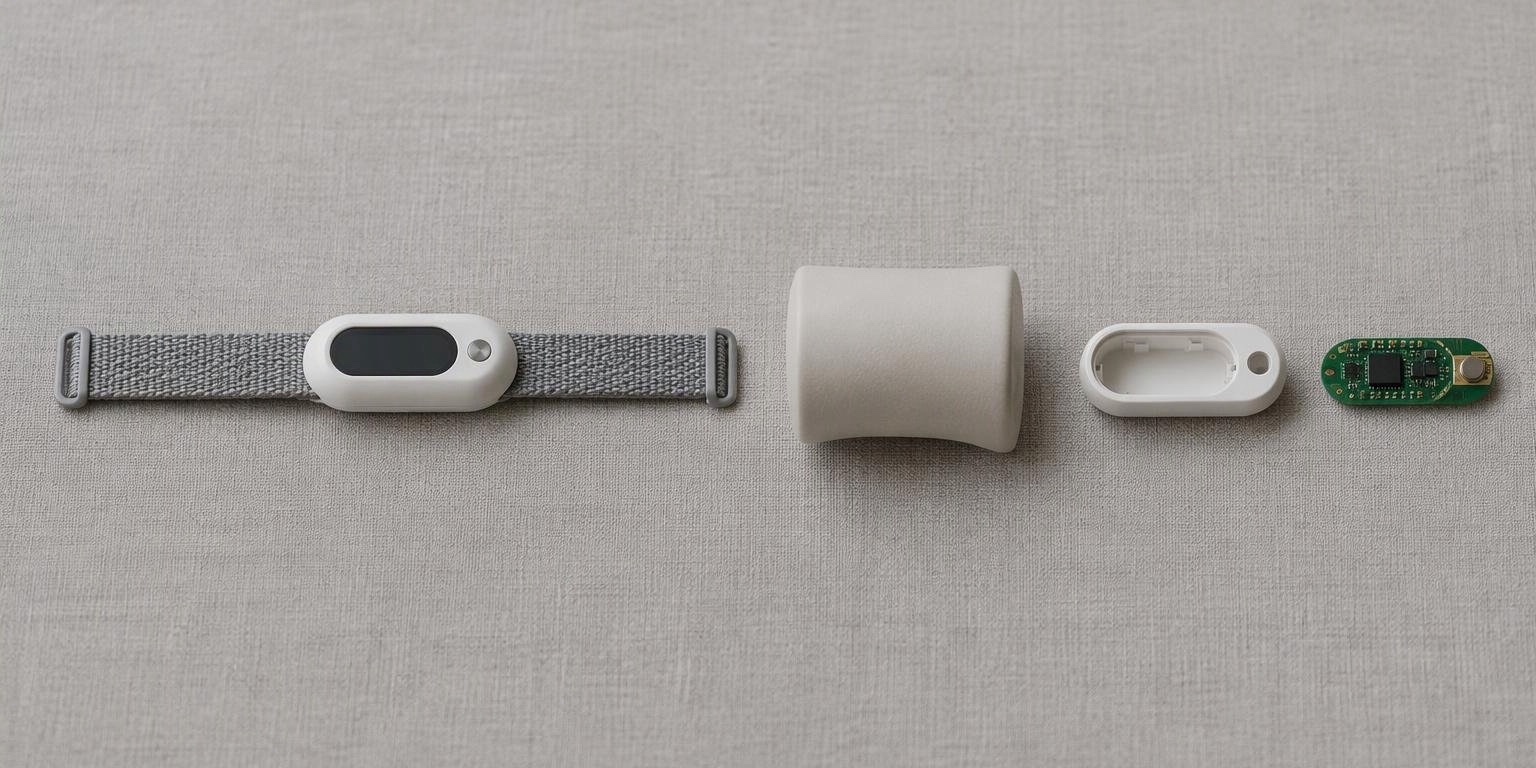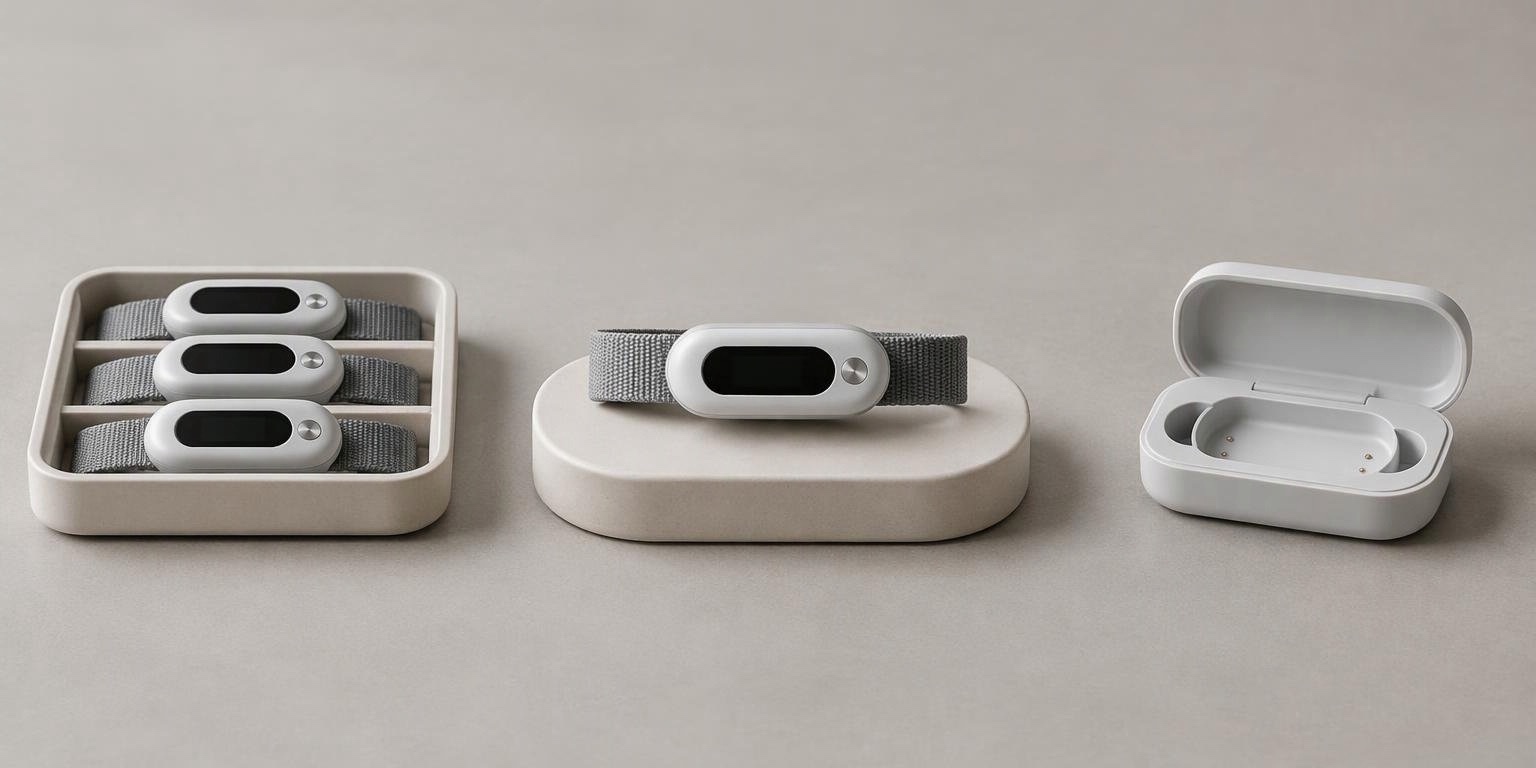
Before design validation, freeze the hardware configuration you intend to test. At NexPCB, we use internal document control and written customer approval. For your validation build, record which revisions go together, what the written approval covers, and how you can identify the units built to that configuration. If the design changes, that record lets you see which results still apply and which need to be checked again.
How do you decide which revisions belong in the freeze?
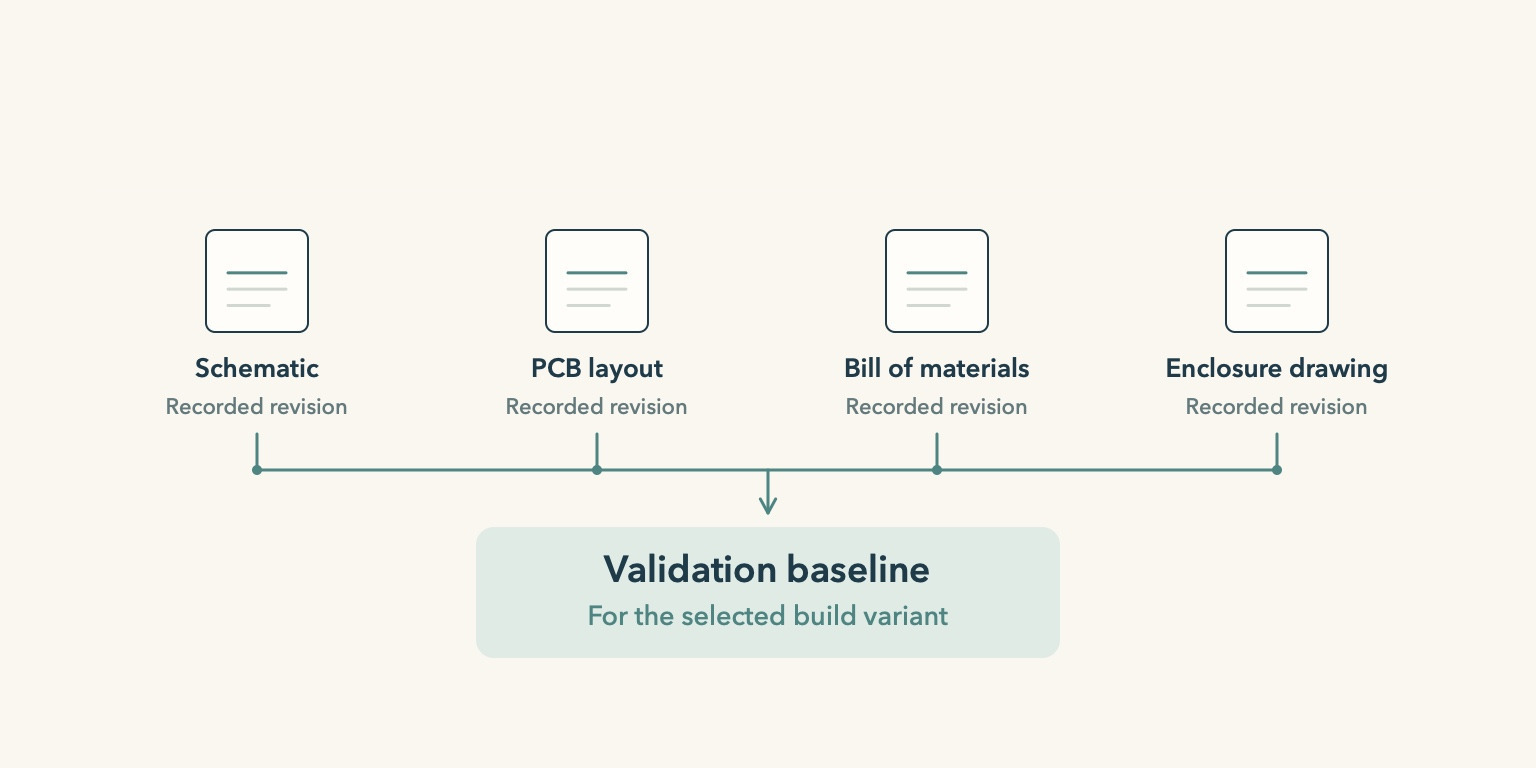
Freeze the combination of records that describes the build, rather than asking whether the latest drawing is ready. A schematic, PCB layout, bill of materials and enclosure drawing may have different revision numbers. What matters is that the baseline identifies which revisions belong together. If the same design has multiple board populations or enclosure options, name the variant you intend to validate instead of leaving that choice to the build team.
Use the baseline to answer three questions as you plan the validation build. If the build uses controlled material release, answer them before parts are issued:
- What defines the hardware? Reference the applicable design and build records by identifier and revision. Our wearable engineering deliverables guide explains how agreed deliverables relate to their approved revisions. A validation baseline goes a step further: it identifies which of those revisions will be represented in the units under test.
- What affects how the hardware behaves? If firmware, configuration settings, or calibration values affect the feature under test, record the versions or settings used. For a wearable with several operating modes, document the mode used in validation so a later reader can interpret the result.
- Which units represent that configuration? Reference the build record and identify the units as needed to connect them to the test results. If a particular unit has a rework or deviation, record what differs and decide which results that unit can support.
A dated, retrievable record helps the build and validation teams work from the same configuration. A folder labeled “final” doesn’t tell either team what was released or what was fitted to a particular unit.
Reviewing and approving the baseline before validation
Before design validation testing (DVT), we use version-controlled documents and written customer confirmation for the agreed baseline. NexPCB’s production engineering change notice (ECN) record table applies to stages S3–S6; it is separate from the pre-validation decision about which configuration to test.
Under our document-control rules, controlled documents use JT-[department abbreviation]-[sequence number]. Drawings have their own number format: JT-T-[department code and project name]-[sequence number]. Versioning starts at V1.0, runs through V1.9, then moves to V2.0. The document-control list records the entry number, date, document identifier, version, product name, part number, preparer, and project. The approver is authorized by the responsible department. Since August 2021, mechanical engineering technical-document approvals have required the project name, part number, product name, version, and a description of the change.
These fields come from document control and technical-document approval. For the validation baseline, link those records to the customer’s written confirmation of the revision set and what can proceed. For a change to released production in that scope, the applicable ECN record uses the change order’s sales or manufacturing order reference to identify the affected production scope.
Have the people responsible for the build and validation review the same baseline. One needs to know what to build; the other needs to know what the units can demonstrate. Ask them to compare the build records with the requirements the validation is meant to address. If a requirement depends on a part, interface or setting that is still being decided, record the open item against that requirement rather than leaving it in a separate meeting note.
Treat open items according to their effect on the build. A drawing annotation that leaves the design unchanged may be resolved without replacing test units. An unresolved choice that affects fit, sensing or power may change what the test can show. In that case, decide whether to settle the choice before the affected work starts or to run the unaffected checks and defer the rest. Record that decision alongside the baseline so later readers can distinguish results that were deferred from results that failed.
Tie written approval to the specific revision set, any accepted deviations and the work that can proceed. Approval to use a configuration for design validation records a decision about the build; the test results record whether the build met the requirements. Keeping those records distinct makes it possible to approve a build with a known limitation without treating the related requirement as satisfied.
Controlling changes to the validation baseline
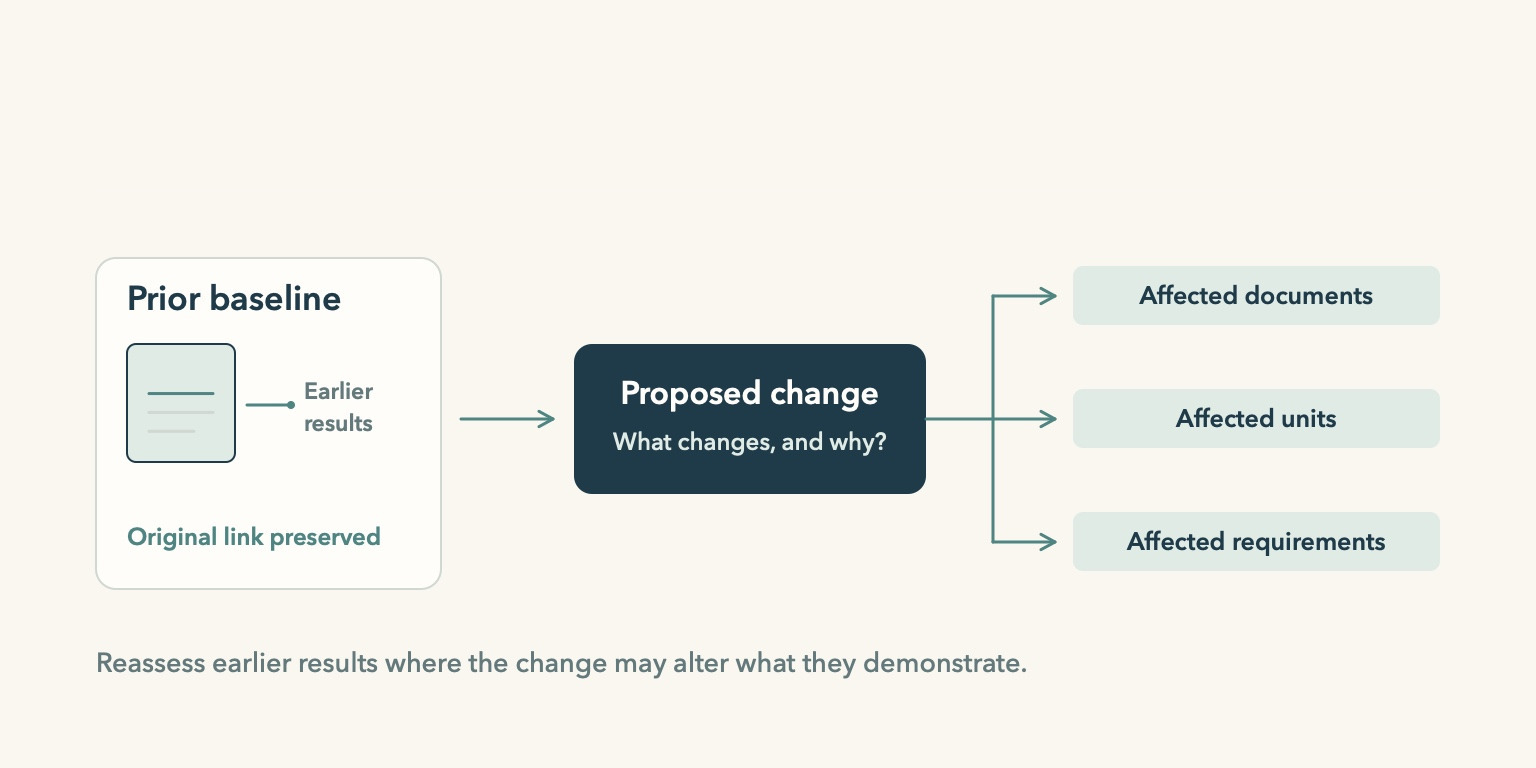
A freeze gives you a reference point for making a change; it does not prevent you from making one. Start the review by recording what is changing, why, and which design documents and units it affects. Check both the hardware that will be built next and the units already assigned to validation. If testing has started, keep the earlier results linked to the configuration that produced them.
Then trace the change to the requirements it might affect. When a design change alters an interface or operating condition a test depends on, reassess the results for that requirement on the changed configuration. Where a result still applies, record why the change does not affect the requirement or the conditions under which it was tested. If the effect is unclear, record what evidence is needed before relying on the old result. This keeps the discussion focused on the effect of the change rather than treating a new revision label as a reason to keep or discard all earlier work.
If you adopt the change for validation, update the baseline, record the written approval for the revised configuration, and identify which units or future builds it applies to. Keep the old revision and its results available so a reviewer can tell what changed and why. Handle a change to released production through the applicable production engineering change notice (ECN) workflow; that is a separate decision from agreeing which design is under validation.
For a change that could affect an existing test, use the hardware reliability retest guide to decide what to repeat and which earlier results still apply.
Frequently asked questions
What records belong in a hardware design freeze baseline?
Record the approved set of design and build revisions, the variant, applicable settings, the validation units and any deviations, and the written confirmation that identifies what can proceed.
Does an ECN apply before design validation?
At NexPCB, the production ECN record table applies to stages S3–S6. Before DVT, we record the agreed design in version-controlled documents and obtain written customer confirmation of the baseline.
Bring the revision set and open decisions
If you’re preparing a wearable hardware validation build, bring the revision list, the open decisions and the requirements the build is meant to address. Use Accelerate Now to discuss what needs to be agreed before the build and arrange an NDA if you need to share detailed design records.