At NexPCB, we look for a manufacturing test the operator can repeat on the intended unit and that engineering can interpret after the build. For a New Product Introduction (NPI) manufacturing test readiness review, match the check, fixture, and executable test program to the approved product configuration. Then trace the acceptance limits to the project’s test requirements. This matters in wearable manufacturing, where a board test and a test on an assembled and sealed device may answer quite different questions.
Which unit and setup is the manufacturing test meant to check?
Start with the operation the test is meant to support. A powered board on a fixture can exercise a connection before it becomes hard to reach; the finished assembly may need a separate check for the behavior of the same function through its actual enclosure or interface. Record the required assembly state, board variant, loaded firmware, test program revision, and fixture identification. Note the setup conditions that could change the result, such as power source, orientation, or how a unit is held on the fixture. The operator needs to be able to distinguish a unit loaded incorrectly from a unit that failed the requirement.
Make the instrument and fixture part of the record
A test procedure that says to measure a point leaves room for error if an operator can select the wrong connection or instrument setting. Show the connection, the selected mode, and how to record a result. If a test station uses interchangeable fixtures, identify the one intended for this variant and check that its position or pin mapping matches the approved assembly. Where a fixture or reference unit is used to demonstrate that the station works, record its setup and what a usable station response looks like. Preserve the information that lets you separate a station fault from a product fault.
Check that the versions on paper are on the station
A review of the plan is a different action from verifying what the station actually executes. Compare the procedure to the revision reported by the station and compare the firmware identified on the device to the intended load. A fixture may fit a board even when a pin assignment has changed. A script may run against a firmware build that reports a different response. Record the versions used on the trial so a later failure can be compared to the same setup, rather than relying on someone to remember which script was loaded.
Pull pass limits from the project requirements
Use the accepted product or test specification to identify what counts as passing. A limit is tied to a measurand, the conditions under which it is checked, and a direction or range. A functional requirement can instead have a defined observed response. In either case, put the source and revision next to the station rule; a pass label by itself does not tell an engineer which requirement was evaluated.
For a check whose limit lives in a program, compare the configured value or decision rule with the approved test instruction. Where a procedure requires a specific unit condition, confirm the station creates it before making the comparison. If a project requirement says a device must behave in a given way in its assembled state, a pass on an exposed board may be useful engineering evidence but cannot fill that requirement’s manufacturing-test row.
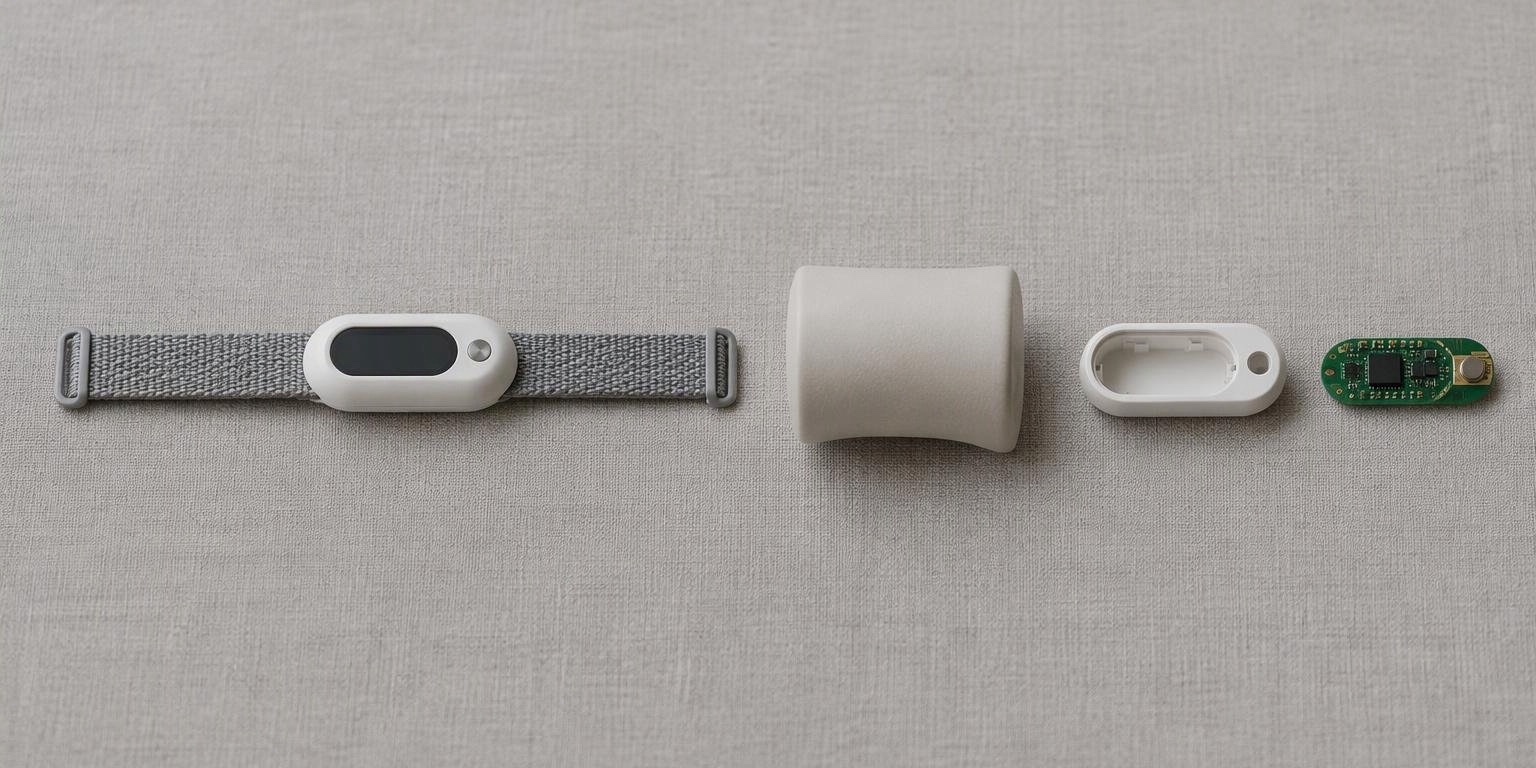
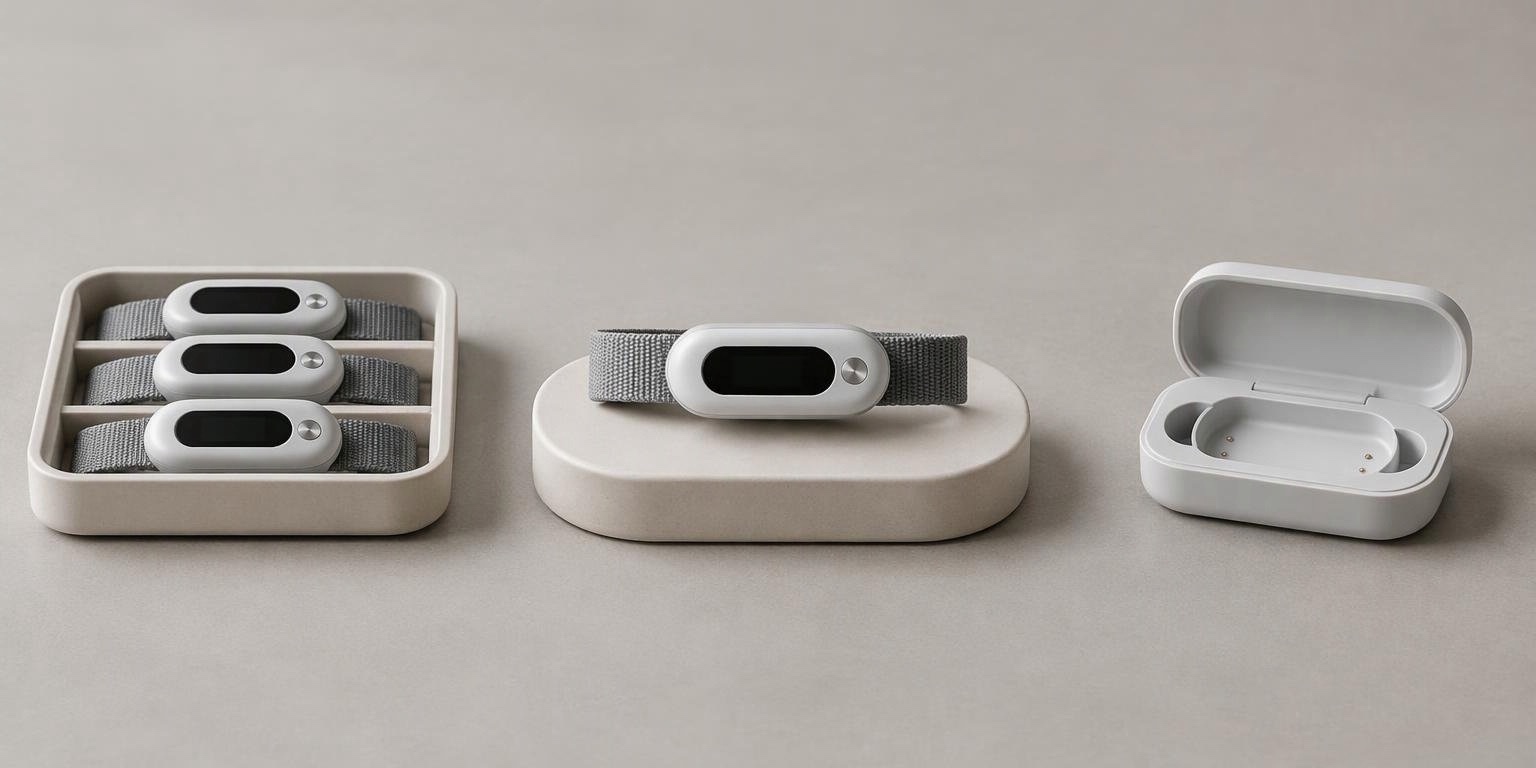
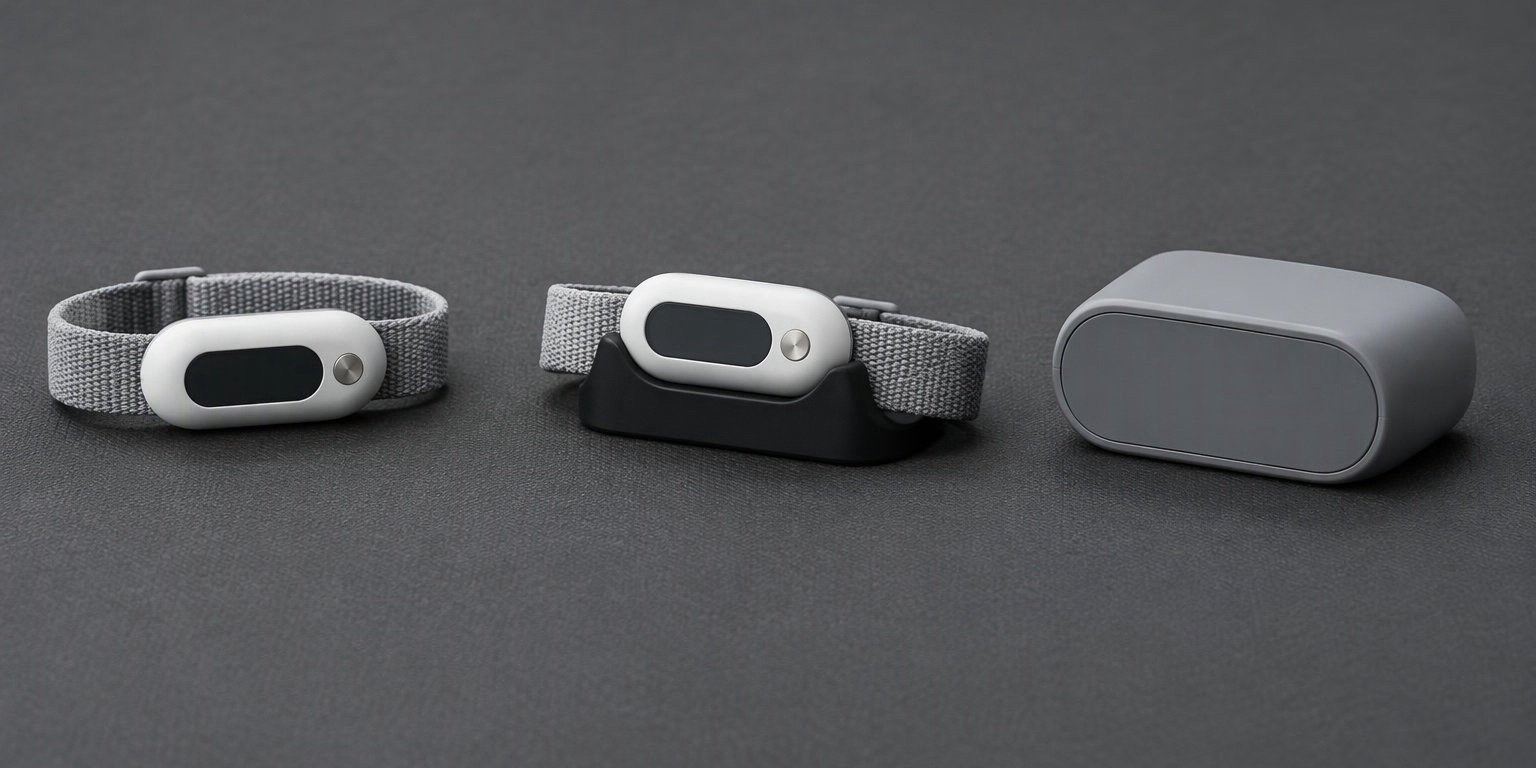
The wearable production test example separates continuity, water-sensor behavior, and an immersion check. These are examples of pilot checks for that swim-safety wristband; use the approved test instructions for your product’s setup and pass criteria. For the broader build decision, see eight checks for wearable mass-production readiness. The NPI tooling and ramp-up guide explains where the approved test inputs enter the production handoff. Keep a production screen for an individual unit distinct from a broader qualification claim about the device.
Review coverage and the loaded configuration together
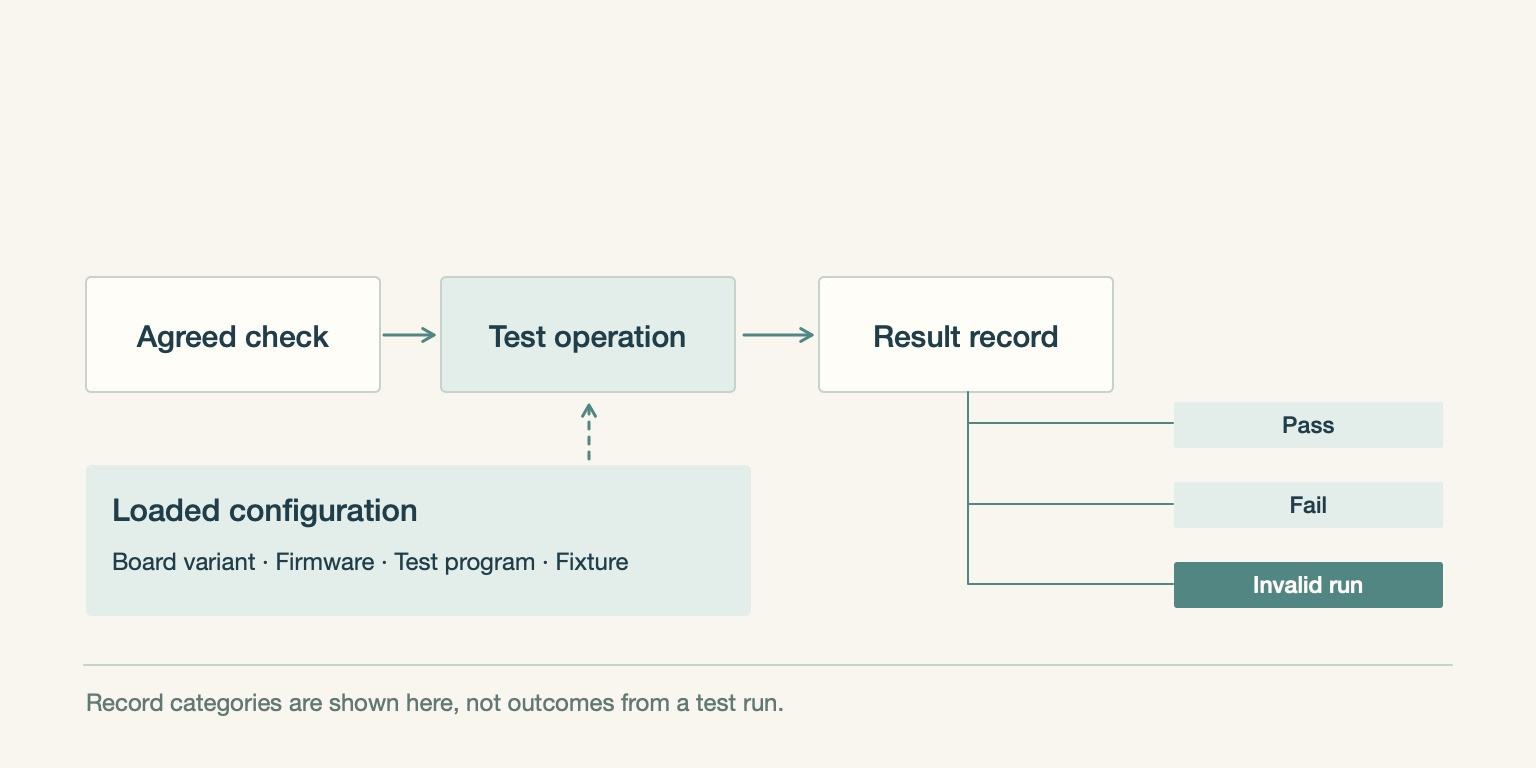
Map the agreed checks to their test operation and the record that will come back. Check with the people who will use the results how the station records an expected pass, an expected fail, and an invalid run caused by a setup error. A failure response should make the distinction visible in the record: a unit held for investigation has a different disposition from a station result invalidated by a loose connection or a mismatch in configuration.
| Check during review | What to look at | Readiness decision |
|---|---|---|
| Requirement coverage | An agreed clause and its corresponding operation and record | Check that the assignment actually answers the clause. |
| Acceptance decision | Station rules or operator instructions and their source | Resolve disagreements before counting a result. |
| Configuration | Board variant, loaded firmware revision, test program revision, fixture ID, and setup conditions used for the trial | Check each item in the trial record against what the manufacturing test plan calls for. |
| Result handling | Sample records for a pass, a fail, or an invalid run | Make sure later review can distinguish product issues from unusable measurements. |
If the review finds an agreed item with no operation, assign it to an appropriate check or resolve the scope with the people who own the acceptance requirements. If the station rule lacks a source, bring the test instruction and the project specification into alignment. If the station runs the wrong build, bring it to the intended version before collecting examples that will be used as evidence. The readiness output is a review disposition with remaining actions attached to the affected checks, rather than a pass based on the fact that the tester starts up.
The review matters because the record may be read long after the operator has moved to another build. A false failure can add retesting and obscure what a station is measuring. A false pass can let a unit continue with a requirement unchecked. Keeping the fixture, loaded software, and requirement together makes both outcomes easier to investigate.
Run a short rehearsal before committing the build
Give the released instructions to the person expected to run the station. Observe whether they can identify the unit variant, choose the fixture, verify the loaded software, and produce a record without borrowing explanations from the person who developed the test. A rehearsal catches gaps that a review at an engineer’s desk may miss: a setup control with two plausible positions, an error message that does not distinguish a connection problem from a failed product, or a result stored without the identifier needed to find the tested unit later.
Rehearse what happens after a test is interrupted. For a unit whose run stops during setup, the record needs to show that the result is incomplete. For a unit that returns a failure under a valid setup, preserve that first result even if the team is authorized to repeat the operation. Ask who decides when a rerun is appropriate and what the later reviewer will see. The aim is to prevent an ordinary retry from hiding a configuration problem or a pattern of product failures.
Check where a result travels after the station
Work backward from the person who will decide whether the build met its requirements. Can they find which operation covered a given clause? Can they tell whether a passing indication refers to the intended configuration or an earlier trial? A station can be ready to run while still producing records of the wrong configuration for the next decision. Review a sample output, including the identifier that joins it to the build, before relying on it for disposition.
Consider a functional check run after assembly. If a unit identifier is captured at a prior station but is missing from the test result, a list of passing results tells you little about any one unit. Identify what link the build review uses, and verify that it survives through export or manual transcription. Where a record has more than one result for the same unit, preserve the sequence and reasons so reviewers can tell an initial run from an authorized retest.
Frequently asked questions
If a fixture worked in the pilot, can we reuse the same test setup for the next build?
Compare the fixture, the product configuration, and the loaded program with the next build’s requirements. If they still match and the records capture the required result, the pilot evidence can support the readiness review. Recheck interfaces and rules that changed.
Does test readiness mean the product already passed?
Readiness means the test operation can evaluate the agreed requirement under its specified conditions. A unit or a build earns its test result when the operation is run and the result is reviewed against those requirements.
What should we attach to an unresolved coverage item?
Identify the requirement, the build it applies to, and the decision that is still needed. If a different operation can meet the need, identify the evidence that operation will produce and confirm who accepts it.
Bring the test setup to the review
Share the requirements, your current fixture and program revisions, and an example of the record the station produces. Use Accelerate Now to discuss where the setup is ready and where the next hardware build still needs evidence. If the records contain design details, you can ask about an NDA first.